
Your first agent
Type a task, watch it work in its own tree, read the diff, merge it. This is the whole loop.
Start one
Open Rudder in your repository and type what you want, in plain language, into the task box at the bottom:
fix the login redirect losing the query stringPress Enter. That is the default path and it means one thing: one isolated agent. Rudder creates a workspace for it, launches your chosen backend inside, and adds a row to the agents list.
Typing a task can never touch your working tree. If you actually want an agent
in your real checkout, that is /main, and you have to ask for it.
workspace .rudder-workspaces/rate-limit

● Read src/server/middleware.ts
● Edit src/server/rate-limit.ts +64
● Bash npm test · 41 passed

▌ writing the burst-window test…
Watch it
Press Option-2 for the worker pane. That is the agent's own terminal, unmodified: its prompts, its output, its permission questions. You can talk to it directly. Option-1 goes back to the agents list.
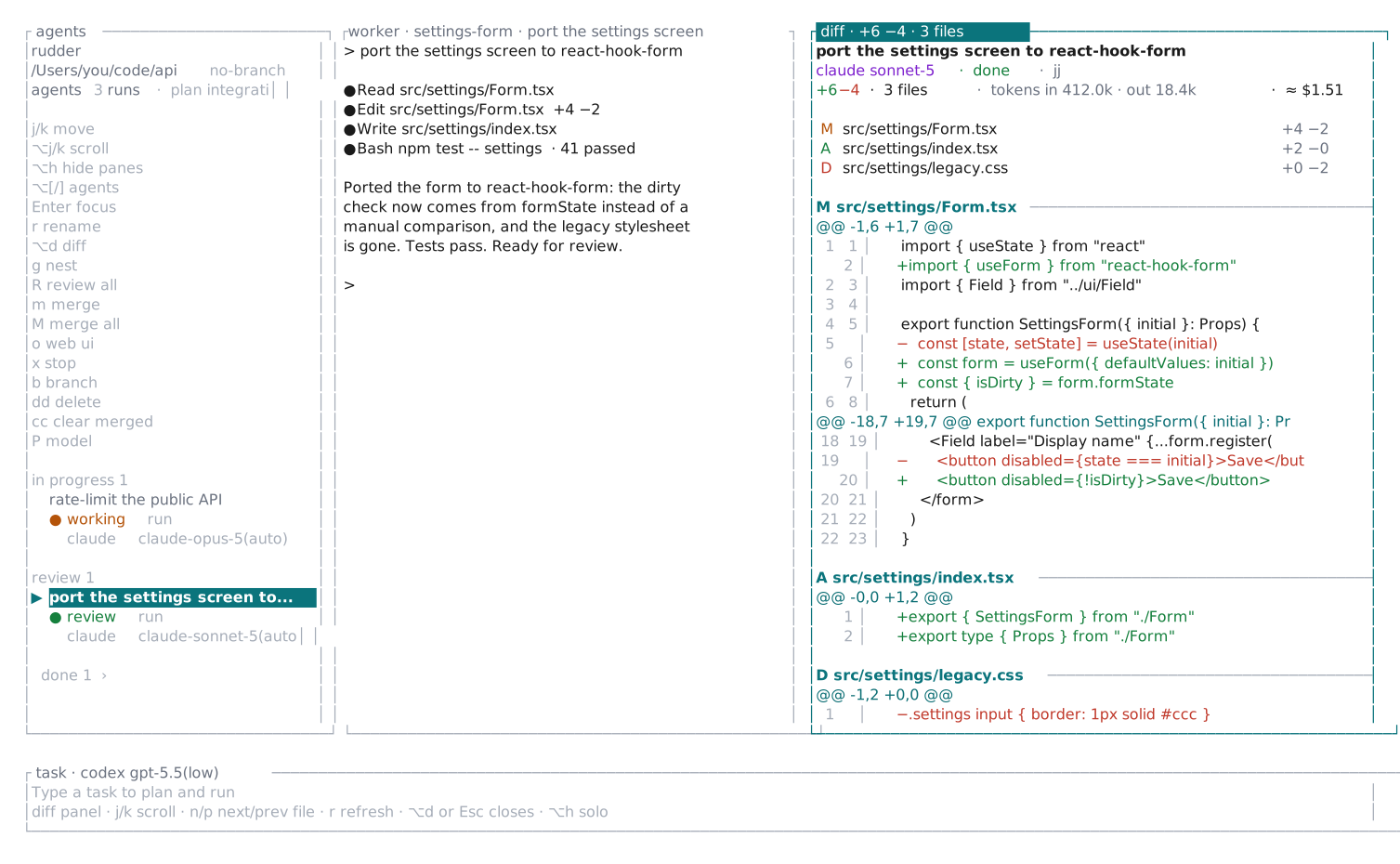
Press Option-4 (or Option-d) for the diff panel: the agent's change set so far, file by file with line numbers, refreshing as it edits, with the run's token usage and estimated cost at the top. Read it while the agent is still working; m is still how you land it.
With several agents running, Option-[ and Option-] step between them from any pane.
Review the diff
When the row says done, select it
and press v. That is the live jj diff of that agent's
workspace: exactly what it changed, and nothing of it is in your checkout yet.
Merge it
Press m. Rudder confirms, then merges that workspace into your branch. The row becomes merged.
Changed your mind? u undoes the merge, using jj's operation log, and puts the change back where it was.
Then do four at once
Type another task. And another. Each gets its own workspace and its own row, all running at the same time, none of them able to see each other's edits. Merge them in whatever order they finish.
When the work is big enough to need ordering, that is a plan.